Features
Everything it does,
and nothing it doesn't.
HomeSchoolLite covers planning, scheduling, attendance, and the day-to-day work. No grade books, no transcript builders, no modules you will never open.
- No credit card required
- 14-day free trial
- Cancel anytime
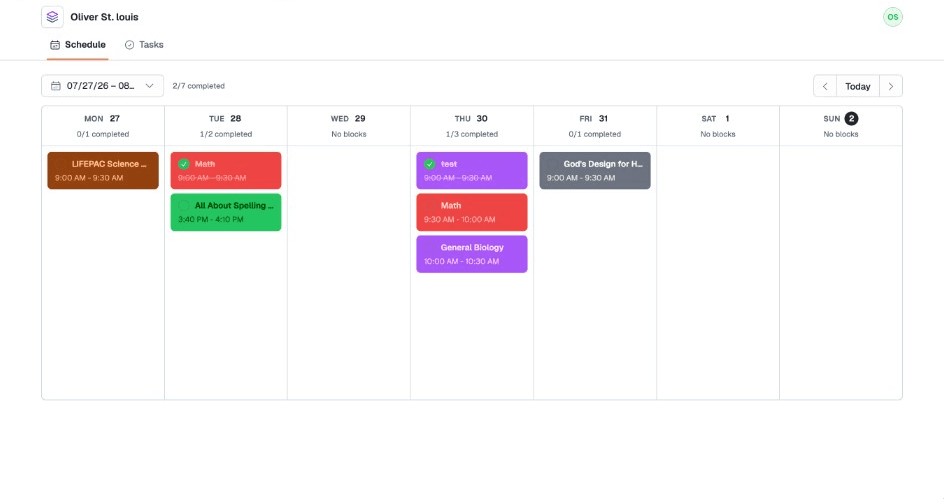
Structured schedule
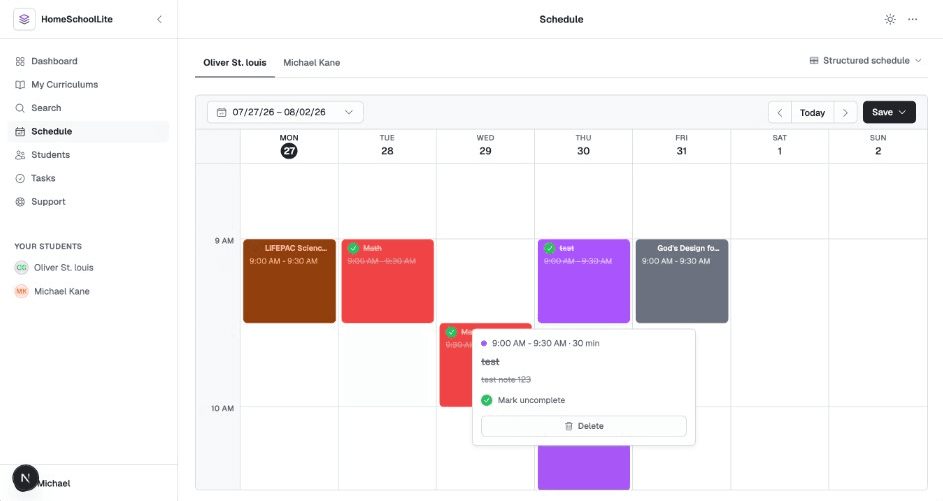
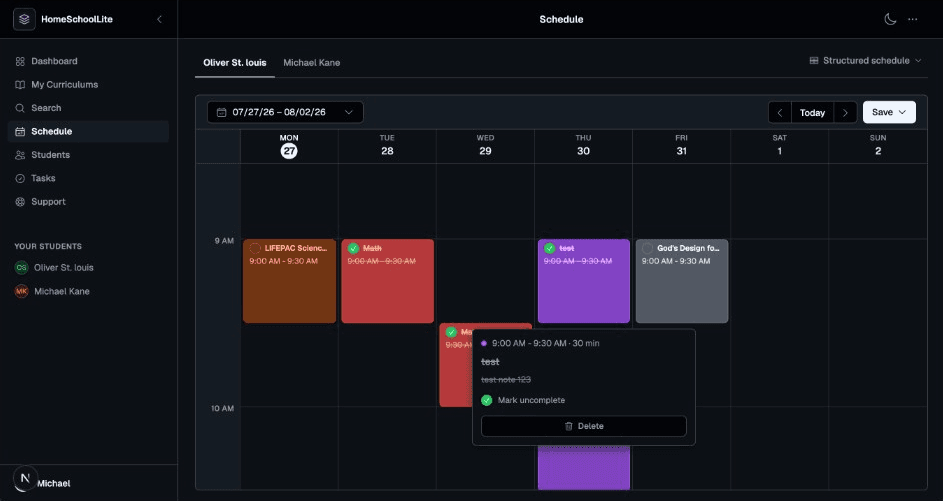
A timed weekly calendar for your curriculum blocks.
Pick a curriculum, choose the days and times it runs, and place recurring timed blocks on each student's week in the curriculum's colors. Drag anything to a new slot when the day gets away from you.
- Add a curriculum as recurring timed blocks on the days you choose
- Start from any lesson, any time of year
- Drag and drop to reschedule a single occurrence
- Weekly repeats, one-off events, and a dockable editor
Block schedule
Or drop the clock entirely.
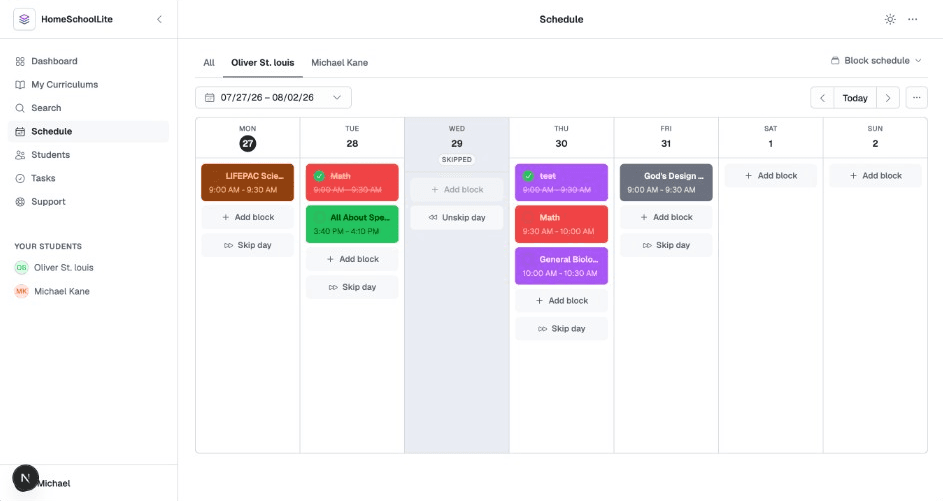
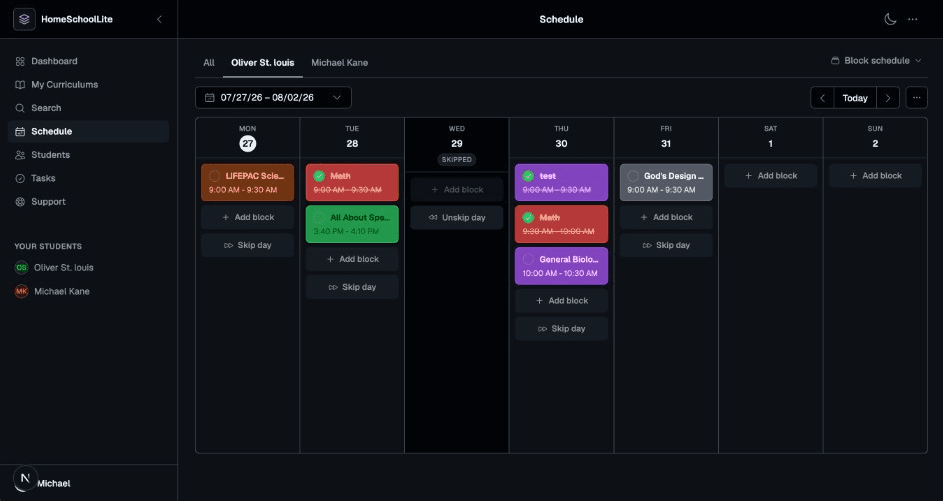
Block mode trades fixed times for an ordered list of work per day. Same curriculums, same students, no timetable. Switch between block and structured whenever your term changes shape.
- Ordered blocks per day instead of appointment times
- Drag blocks between days to reshuffle the week
- Skip a day to pause lessons, or reschedule it to shift work forward
- Tick blocks off as they get done
Curriculums
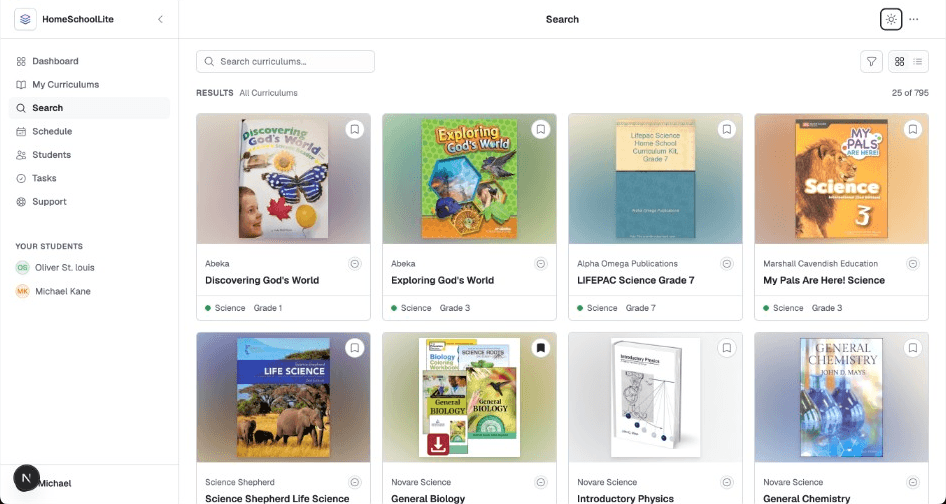
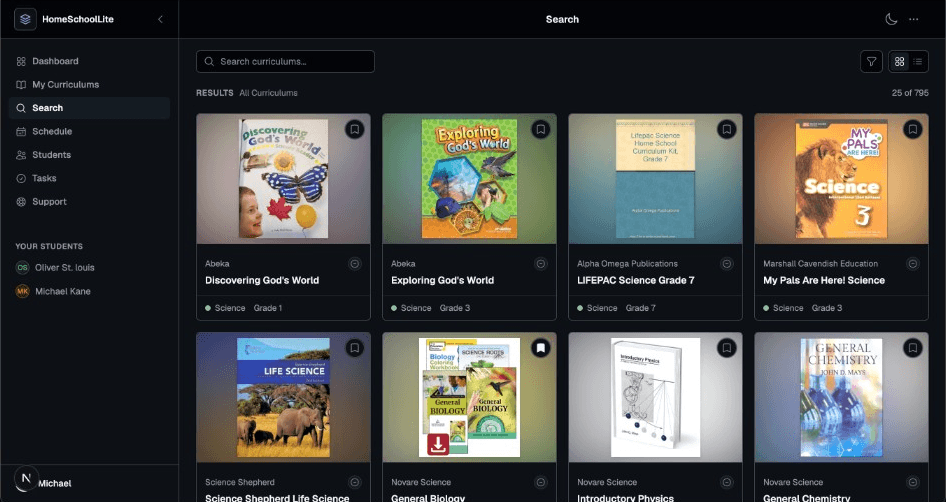
Over 750 curriculums, one search box.
Search a library of more than 750 curriculums by title, provider, subject, or grade. Verified curriculums are marked so you know what has been checked. Bookmark and assign the ones you use, then put them on the schedule as timed or block items.
- More than 750 curriculums to search
- Filter by subject and grade, or search across providers
- Verified, partially verified, and unverified clearly labelled
- Bookmark curriculums to keep your own shortlist
Your library
The curriculums you use, in one place.
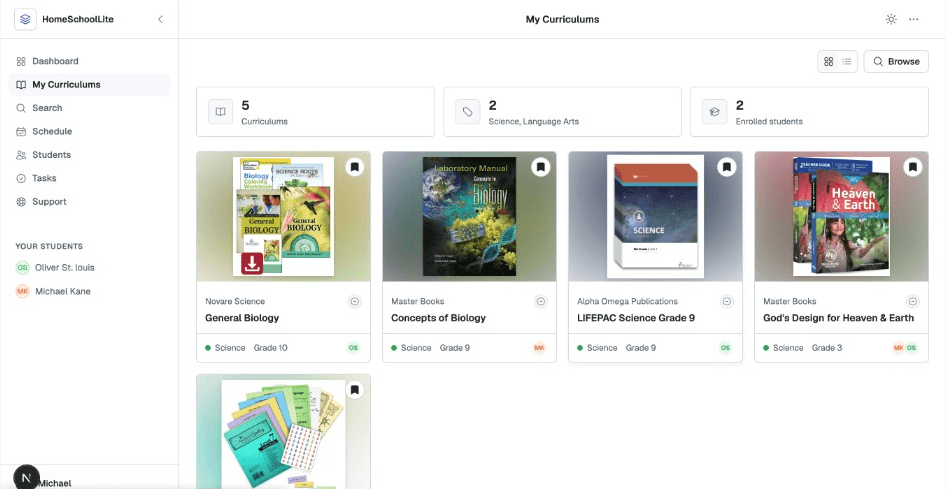
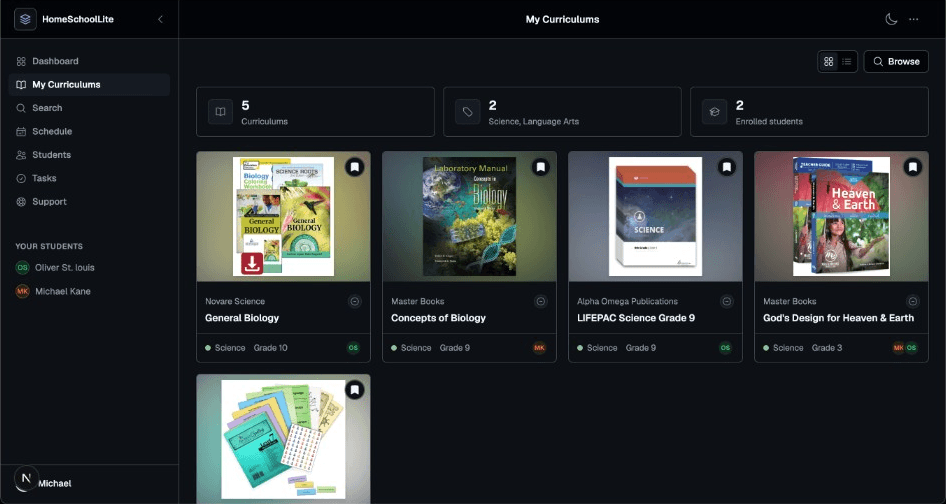
Bookmarked and assigned curriculums land on your My Curriculums shelf with their cover art, grouped by subject and showing who is enrolled in each. Open any of them to review the lessons or add it to the schedule.
- Bookmarked and assigned curriculums together
- Cover art with subject and grade at a glance
- See which students are enrolled in each
- Open one to review lessons or add it to the schedule
Curriculum detail
See every section and lesson before you schedule.
Open a curriculum to browse the sections and lessons as the provider wrote them. When you put it on the schedule, set a start date and starting lesson so mid-year pickups work the same as a September start.
- Sections and lessons listed as the provider wrote them
- Choose which weekdays a curriculum runs on the schedule
- Per-student start dates and starting lessons
- Start mid-year without rebuilding anything
Student attendance
Each student's attendance, tracked and totalled.
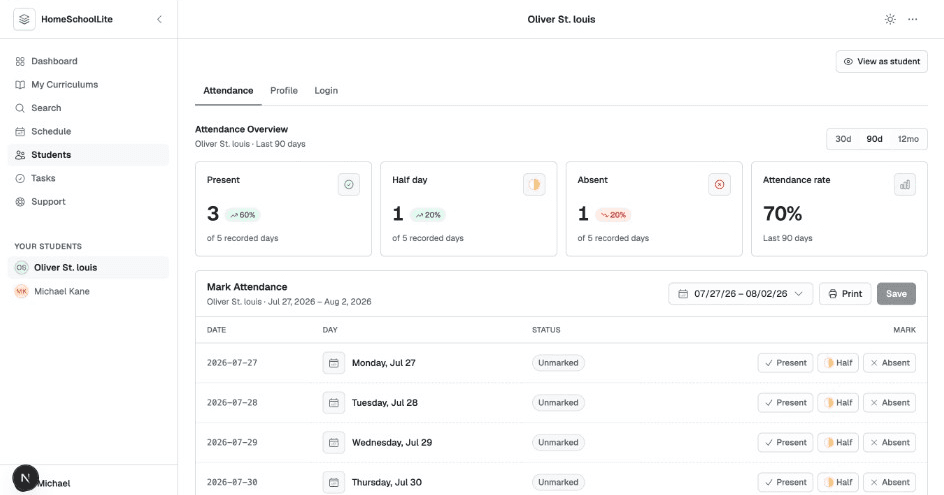
Open a student and land on their attendance: present, half day, and absent counts with a running attendance rate. Mark any day present, half day, or absent, then save. Their profile and login sit one tab over on the same page.
- Present, half day, absent, and an attendance rate per student
- Read the last 30 days, 90 days, or the full 12 months
- Mark any day present, half day, or absent, then save
- Profile and login for the same student are a tab away
Reporting
Printable records for whoever asks.
Pick a date range, print, and save it as a PDF. Last 30 days, last 90 days, and last 12 months are one click each, or set your own start and end dates.
- Any date range up to a full year
- Covers all your students in a single report
- Prints through your browser, so PDF export is built in
- Present, absent, half day, and unmarked days all itemised
Tasks
Kanban boards for the work at hand.
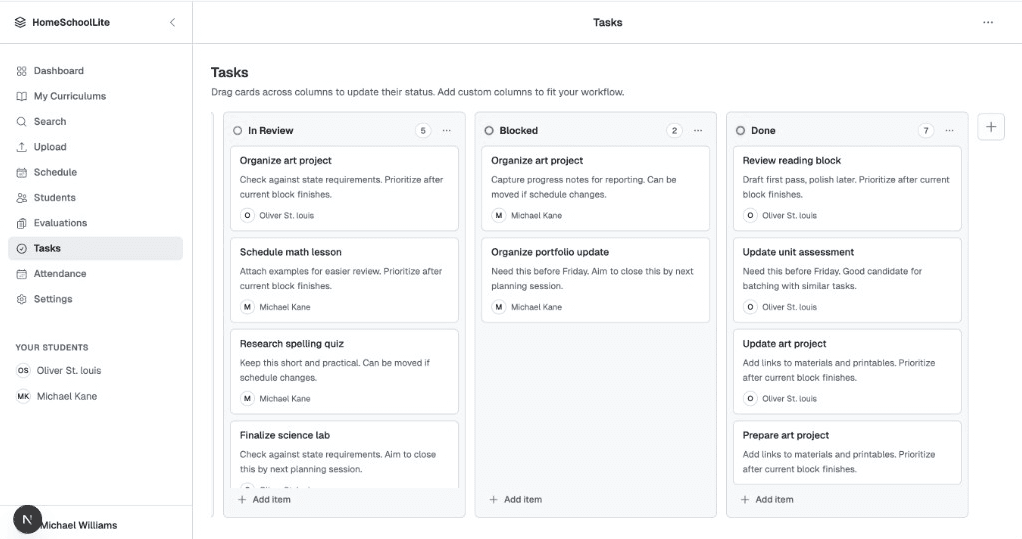
To Do, In Progress, and Done to start with, then add the columns your household actually needs. Drag cards across as work moves, and assign items to a student when they own them.
- To Do, In Progress, and Done out of the box
- Add, rename, recolor, or delete columns
- Drag and drop between columns
- Assign a task to a student and they see it in their portal
Student logins
Give each student their own way in.
Create a username and password per student. They sign in to their own schedule, tick work off as they finish it, and move their assigned task cards on the same board you see.
- One login per student, created and reset by you
- Students see only their own schedule and tasks
- They mark work complete; you see it immediately
- Preview any student's view without signing out
Dashboard
Where the school year stands, first thing.
Days left in the school year, today's attendance across the household, and each student's schedule for the day. Set your year's start and end dates once in settings and the countdown takes care of itself.
- School year countdown with your own start and end dates
- Today's attendance rate, including anything still unmarked
- Each student's day, in whichever schedule mode you use
Students
Up to 12 students on one account.
Add each student once with their age, learning styles, and a color that follows them through the schedule. A short setup wizard walks you through your school, your students, and their first curriculums.
- Room for up to 12 students in one household
- Per-student colors carried across every schedule view
- Learning style and neurodivergence noted on the profile
- Guided setup: your profile, your school, students, curriculums
Comfort
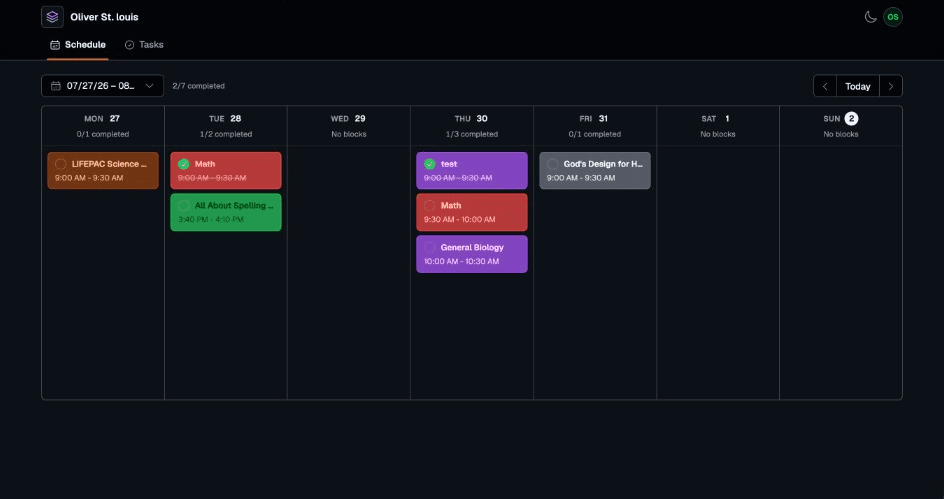
Light and dark, and it remembers.
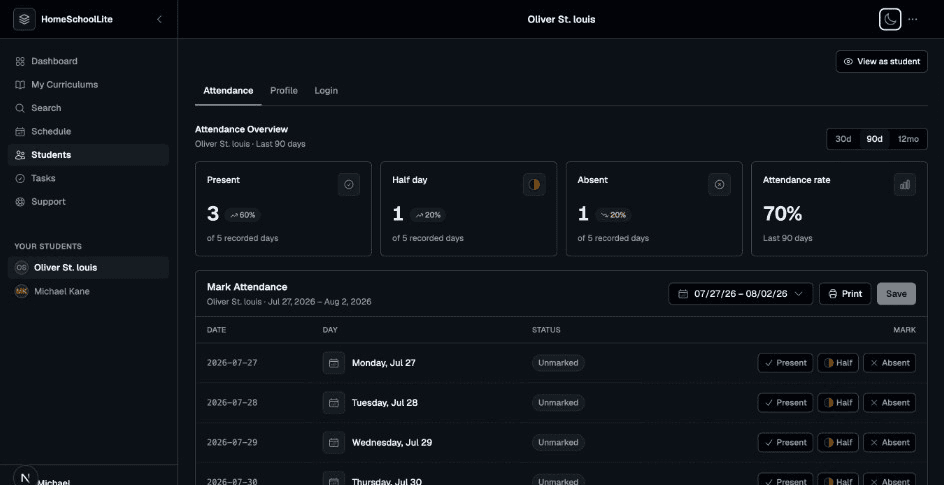
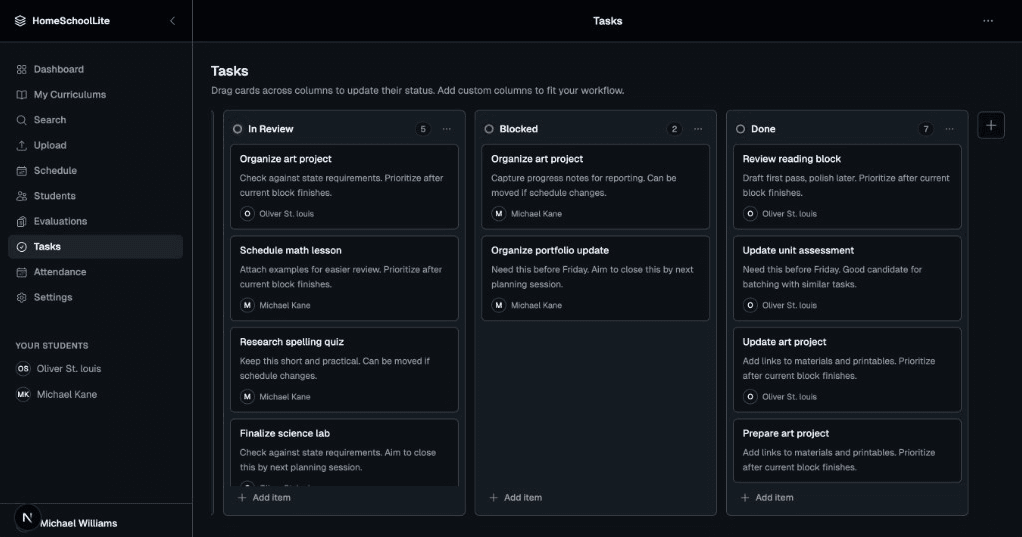
The whole app ships in both themes and follows your system setting until you tell it otherwise. Early mornings and late planning nights both get a readable screen.
- Follows your operating system by default
- Per-device override that sticks
- Every schedule, board, and report styled for both themes
Try it against
your own school year.
Sign up with an email address and start planning straight away. 14 days free, no credit card, then $9.99 a month.
- No credit card required
- 14-day free trial
- Cancel anytime