Homeschooling,
simplified.
Search 700+ curriculums, put them on a timed or block schedule, track attendance you can print, and hand every student their own login.
- No credit card required
- 14-day free trial
- Cancel anytime
Then $9.99 a month. Sign up with just an email and password.
Scheduling
Put your curriculum on a timed or block schedule.
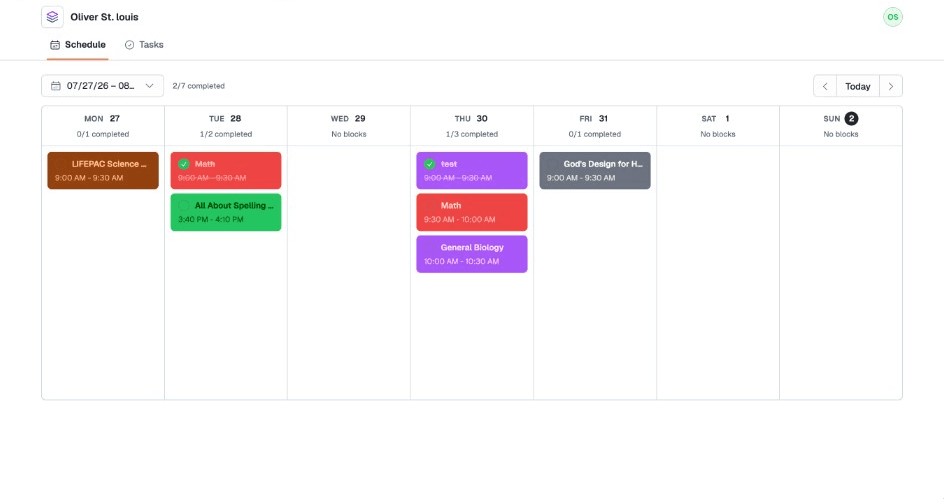
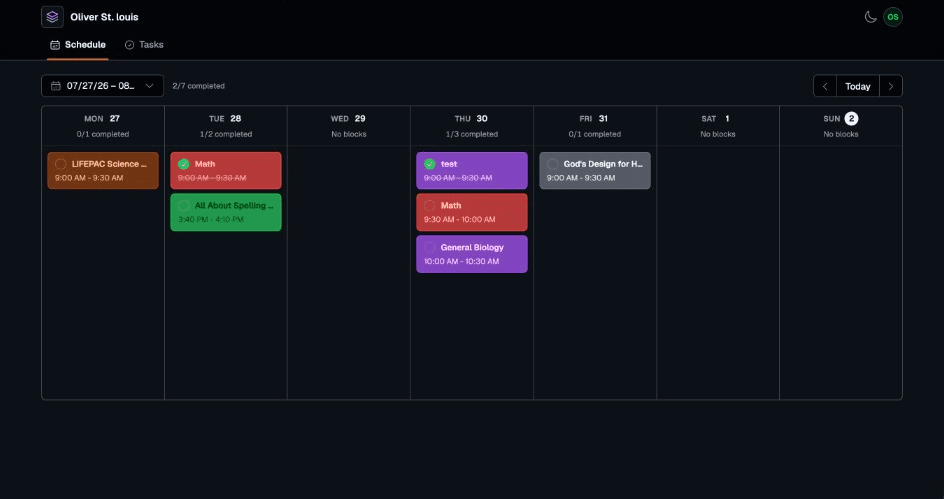
Choose a curriculum from the library, pick the days and times it runs, and place recurring timed blocks on each student's week in their curriculum colors. Prefer no clock? Block mode gives each day an ordered list instead. Drag anything around when the week changes shape.
See how scheduling works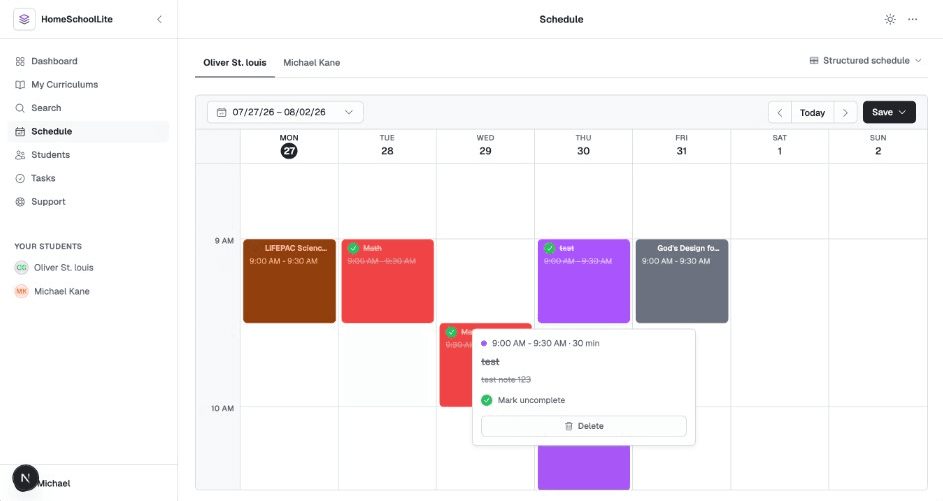
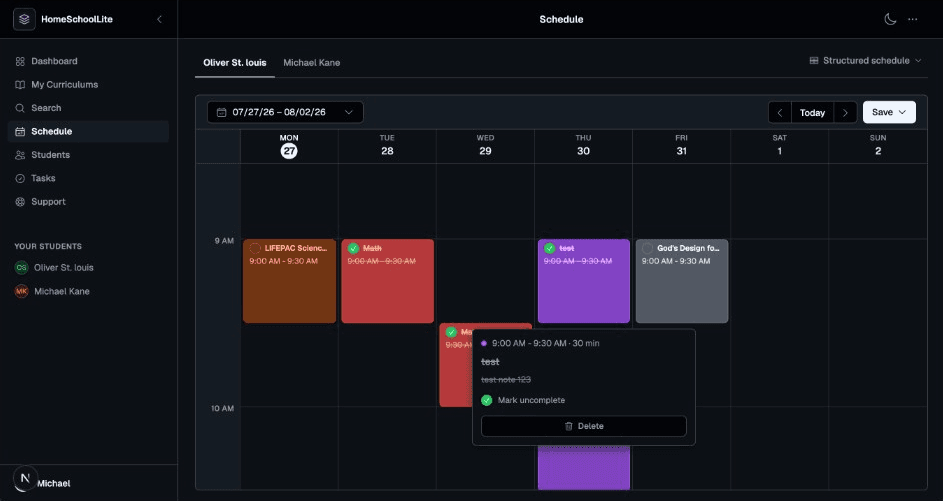
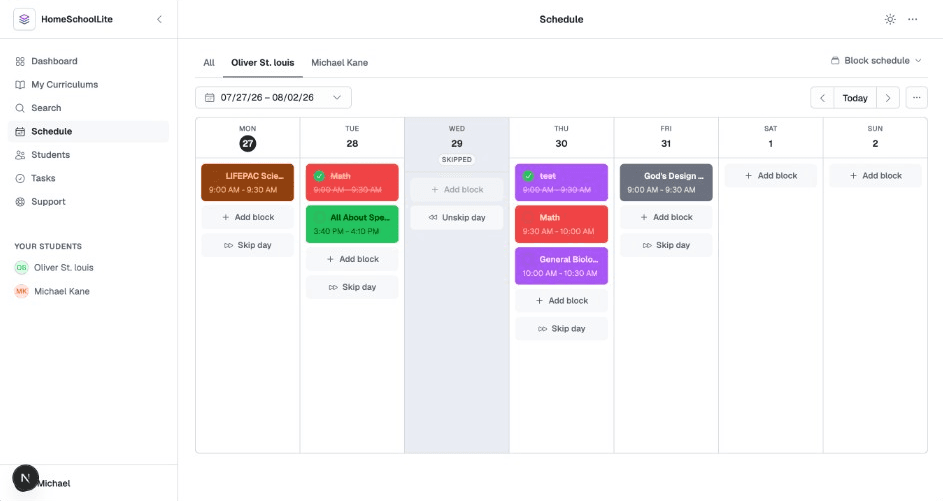
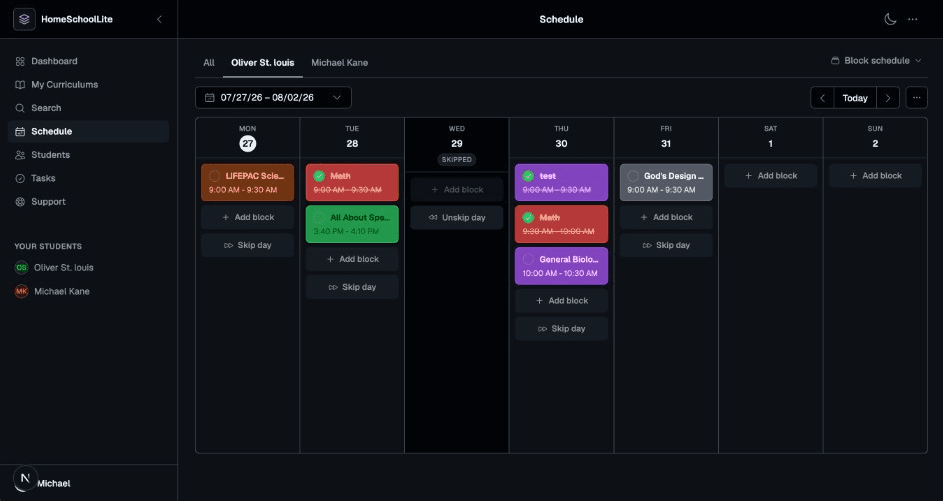
A timed weekly calendar with your curriculum blocks.
Student tabs
Switch between students without losing your place in the week.
Curriculum on the calendar
Pick a curriculum and place it on the schedule as timed or block items.
Curriculum colors
Custom colors per curriculum and student, so no two subjects look alike.
Dockable editor
Edit docked left, docked right, or full screen, whichever fits how you work.
Curriculums
Over 750 curriculums, ready to schedule.
Search a library of more than 750 curriculums by subject, grade, or provider, bookmark the ones you use, and assign them to students. Then put them on the schedule yourself as timed or block items—finding a curriculum is the hard part we already handled.
Explore the library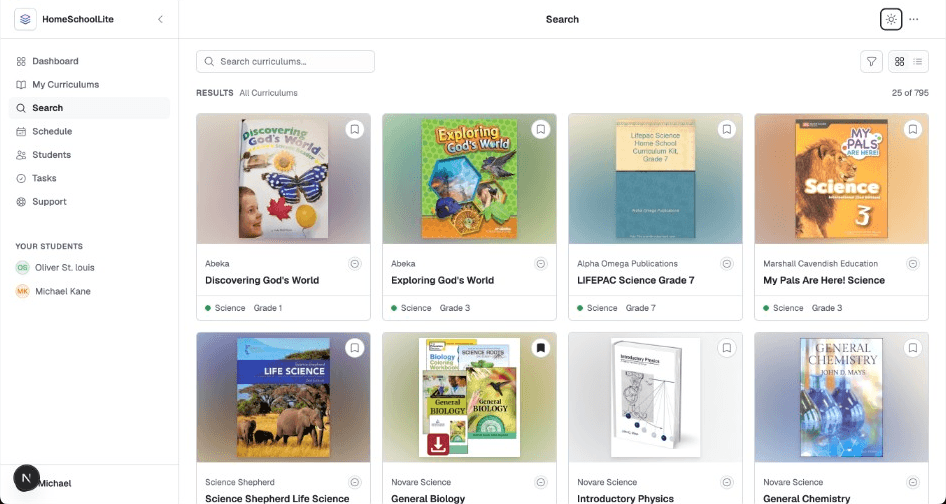
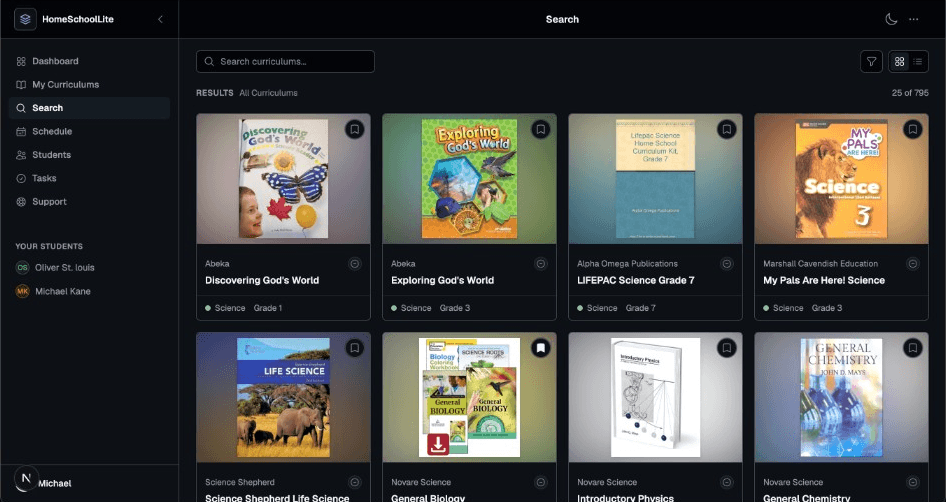
Search 750+
One search box across every curriculum in the library.
Filter by subject and grade
Narrow to exactly the level and subject you teach.
Verified sources
Each curriculum is marked verified, partially verified, or unverified.
Bookmark and assign
Keep the ones you use and assign them to one or more students.
Plus everything around it
The rest of the day,
in the same place.
Your library
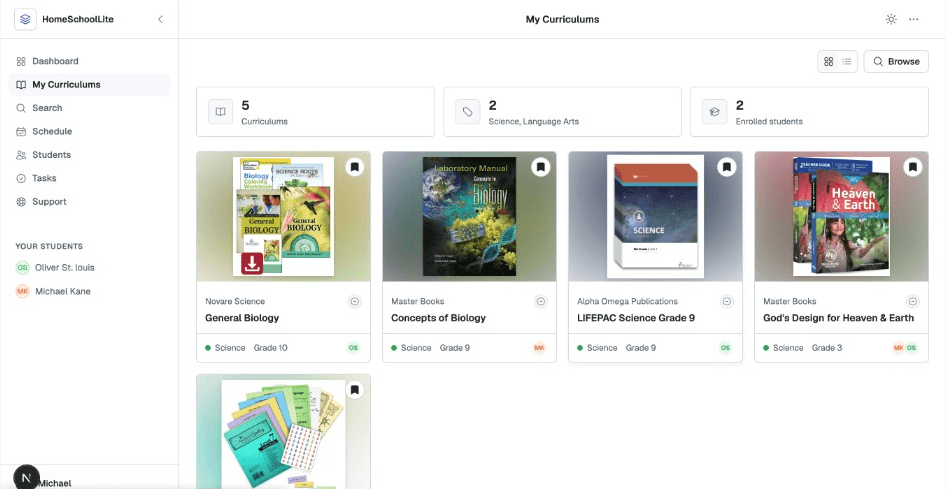
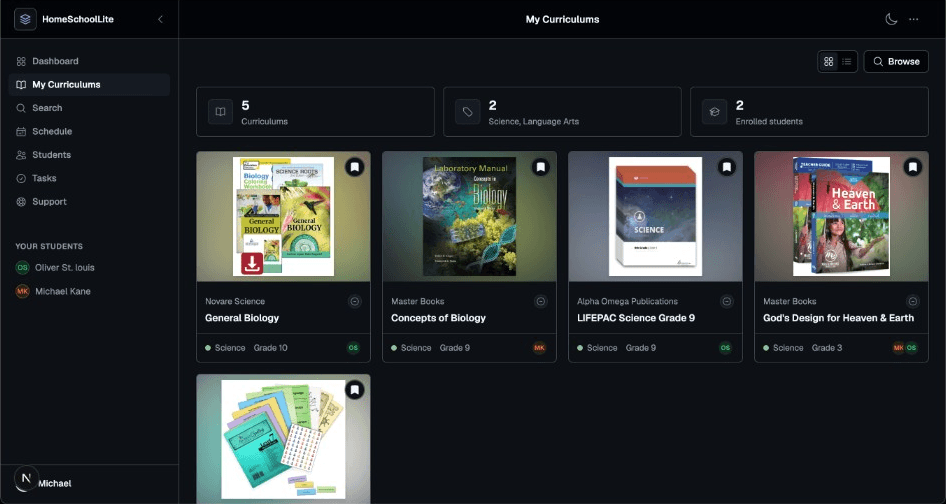
The curriculums you use, in one place.
Bookmarked and assigned curriculums land on your My Curriculums shelf with their cover art, grouped by subject and showing who is enrolled in each. Open any of them to review the lessons or add it to the schedule.
- Bookmarked and assigned curriculums together
- Cover art with subject and grade at a glance
- See which students are enrolled in each
- Open one to review lessons or add it to the schedule
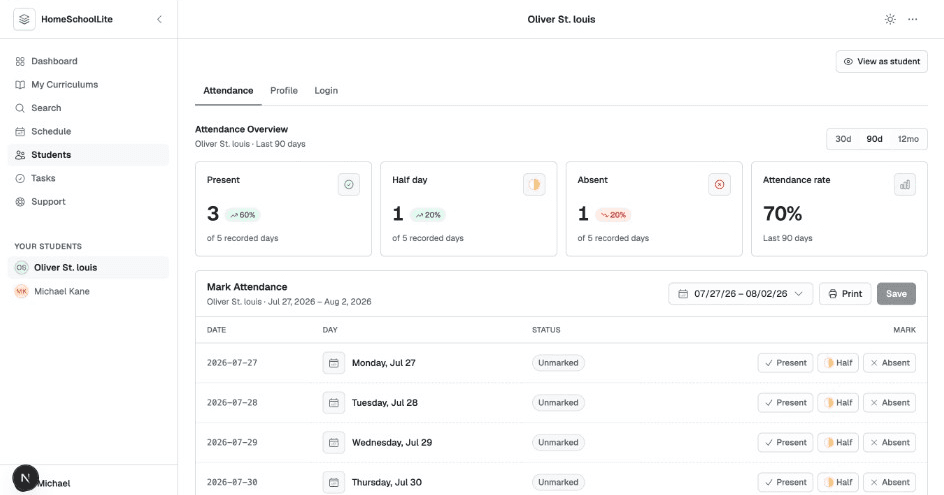
Student attendance
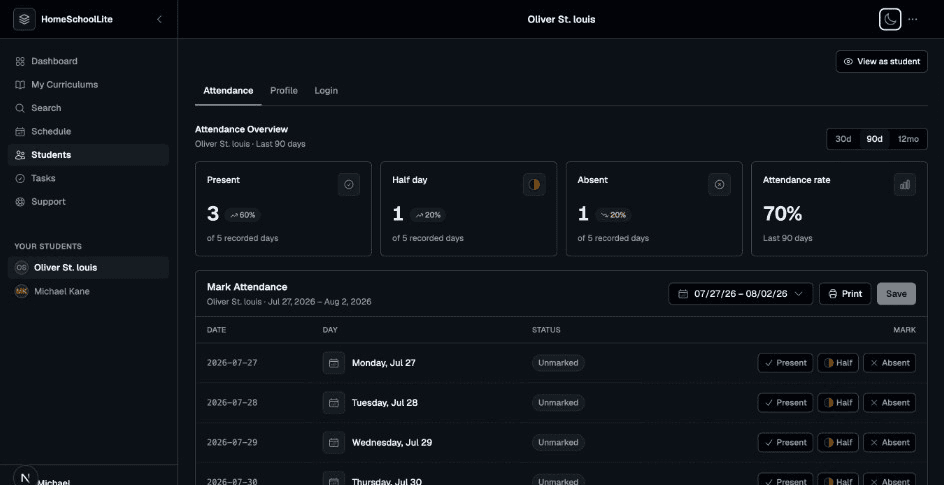
Each student's attendance, tracked and totalled.
Open a student and land on their attendance: present, half day, and absent counts with a running attendance rate. Mark any day present, half day, or absent, then save. Their profile and login sit one tab over on the same page.
- Present, half day, absent, and an attendance rate per student
- Read the last 30 days, 90 days, or the full 12 months
- Mark any day present, half day, or absent, then save
- Profile and login for the same student are a tab away
Tasks
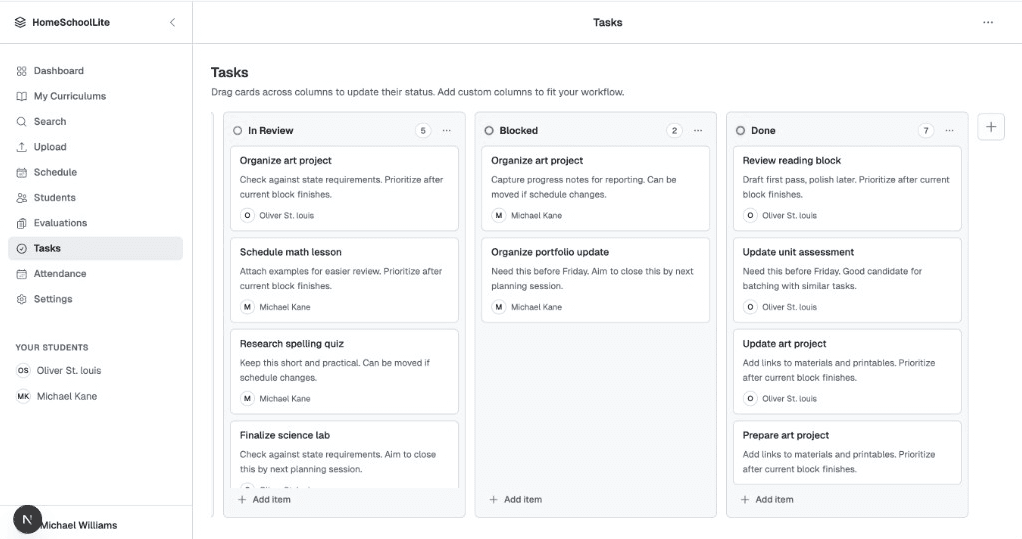
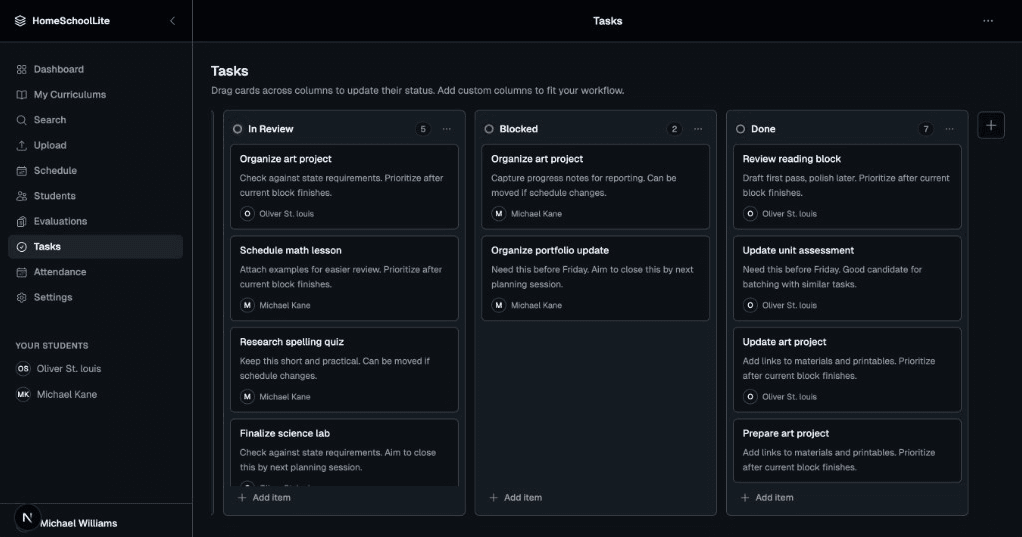
Kanban boards for the work at hand.
To Do, In Progress, and Done to start with, then add the columns your household actually needs. Drag cards across as work moves, and assign items to a student when they own them.
- To Do, In Progress, and Done out of the box
- Add, rename, recolor, or delete columns
- Drag and drop between columns
- Assign a task to a student and they see it in their portal
Student logins
Give each student their own way in.
Create a username and password per student. They sign in to their own schedule, tick work off as they finish it, and move their assigned task cards on the same board you see.
- One login per student, created and reset by you
- Students see only their own schedule and tasks
- They mark work complete; you see it immediately
- Preview any student's view without signing out
Pricing
One plan, one price.
Everything on this page is included. Try it for 14 days without handing over a card.
Starts with a 14-day free trial. No credit card to begin, and nothing to cancel if you decide against it.
Start 14-day free trialCancel any time from your subscription settings.
Everything in Premium
- Up to 12 students
- Structured weekly schedule
- Block schedule
- Load and search curriculums
- Attendance tracking with printable reports
- Task boards
- Student logins
- Student tasks
Questions
The short answers.
How does the free trial work?
Sign up with an email address and a password and you get 14 days of full Premium access. No credit card, no payment details, nothing to cancel if you decide it is not for you.
What does it cost?
$9.99 per month. There is one plan, Premium, and it includes every feature on this site. No per-student pricing and no upsells.
How many students can I add?
Up to 12 on a single account, at no extra cost. Each one gets their own profile, color, schedule, and attendance record.
Do my students get their own logins?
If you want them to. You create a username and password for each student, and they sign in to see only their own schedule and any tasks you have assigned them. They can tick work off as they finish it, and you see that straight away.
Get the week planned
before the week starts.
Sign up with an email address and start planning straight away. 14 days free, no credit card, then $9.99 a month.
- No credit card required
- 14-day free trial
- Cancel anytime